Happy New Year everyone! Wishing you all the best in the year ahead!
The Disaster
Just days before the New Year holiday, a client was cleaning up disk space when they accidentally ran rm -rf /*. Yes, you read that right. The entire operating system was wiped out, and naturally, the database went down with it.
In situations like this, when files have been completely obliterated, database recovery alone won't cut it. So the client first brought in disk recovery specialists to salvage the data files from the production database.
I have to say, leave the professional work to the professionals. When I received the recovered data files, I couldn't even tell they had been rescued from an rm -rf /* disaster. The filenames were perfectly preserved, and there was no random garbage data inside. Compared to some botched recovery attempts I've seen before, this was nothing short of miraculous.
PDU Takes the Stage
This was a domestic database built on PostgreSQL that PDU had never encountered before. It was truly a case of learning by doing. Fortunately, although this database had made some modifications to the data pages, everything was within manageable scope. It took just two hours to work through all the compatibility issues.
Data Dictionary Parsing
The recovered data files, including indexes and data, totaled 20GB.
[root@node1 testdb]# ll -lsa
total 620
  0 drwxr-xr-x.  3 root   root     20 Jan  2 05:03 .
  0 drwxrwxrwx. 14 root   root    272 Jan  2 09:10 ..
620 drwxr-xr-x.  2 root   root 409600 Jan  2 22:05 864138
[root@node1 testdb]# du -sh
20G     .
Since only the most critical data directory was recovered, PDU's b; command wasn't an option. I had to use the restore db command to register the single data directory.
PDU.public=# restore db testdb /isoTest/testdb/864138;
[Bootstraping] Restoring the metadata of database 'testdb'...
        |-Block 369 Empty Page Or Page Corrupted, Skipped
        |-Block 370 Empty Page Or Page Corrupted, Skipped
        ... (multiple corrupted blocks skipped)
        |-Block 407 Empty Page Or Page Corrupted, Skipped
      -pg_schema:</isoTest/testdb/864138/2615>
      -pg_class:</isoTest/testdb/864138/1259> 5647 Records
      -pg_attribute:</isoTest/testdb/864138/1249> 112391 Records
      Schema:
        | public 3454 tables
        | plvdate 0 tables
        | plvstr 0 tables
        | plvchr 0 tables
        | dbms_output 0 tables
        | plvsubst 0 tables
        | plvlex 0 tables
        | utl_file 1 tables
        | oracle 0 tables
        | plunit 0 tables
        | mysql 0 tables
After the adaptation, everything went smoothly. A total of 3,454 tables with all column information intact. Once again, I must applaud the incredible skill of recovering these files from the clutches of rm -rf. In one word:
Amazing
Data Extraction
After parsing the data dictionary, I first extracted a few core tables for the client to verify.
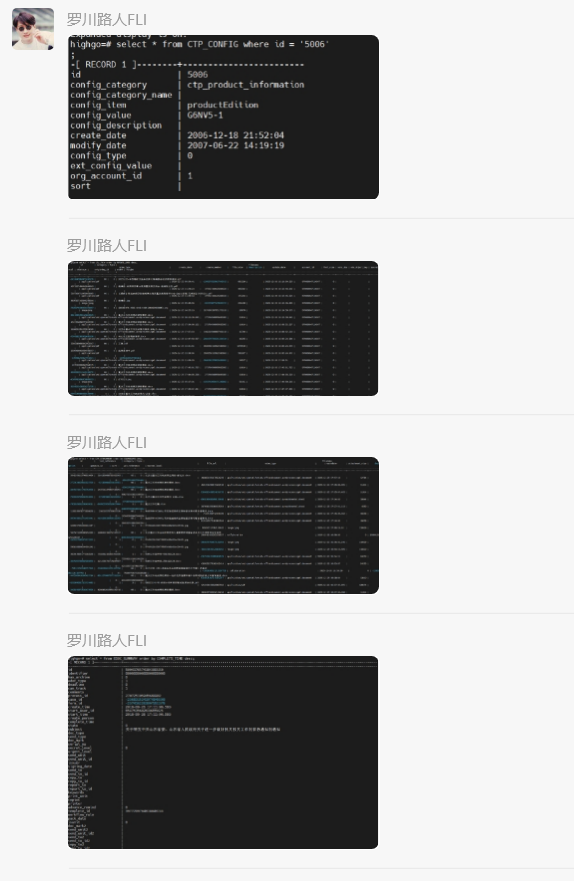
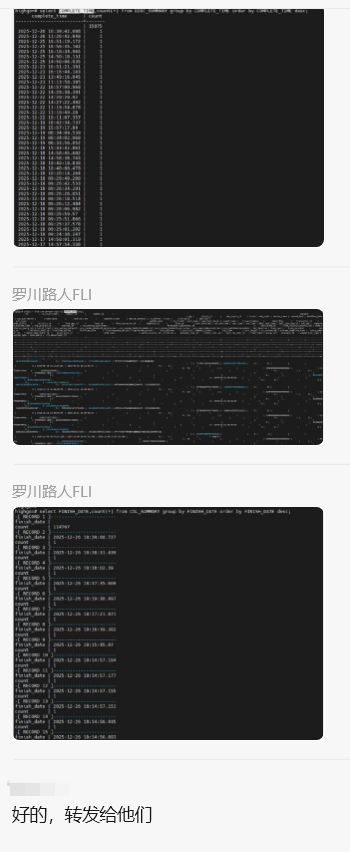
Once the client confirmed everything looked good, we proceeded with the full database extraction. Compared to that lightning-fast rescue operation back in mid-2025, this one was pretty straightforward. The data types weren't complex, and after a year of refinement, PDU has become fully production-ready. Simply put, after running u sch public, I could sit back and scroll through my phone while waiting for the results.
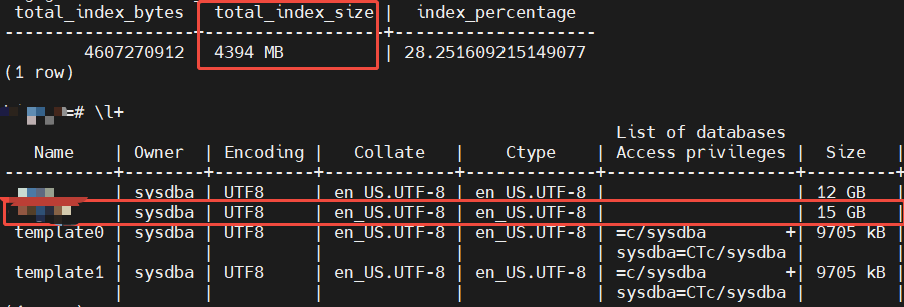
The client happened to have a backup from June. When imported, it was 15GB, with indexes accounting for about 28% (4GB), meaning the actual data was roughly 11GB.
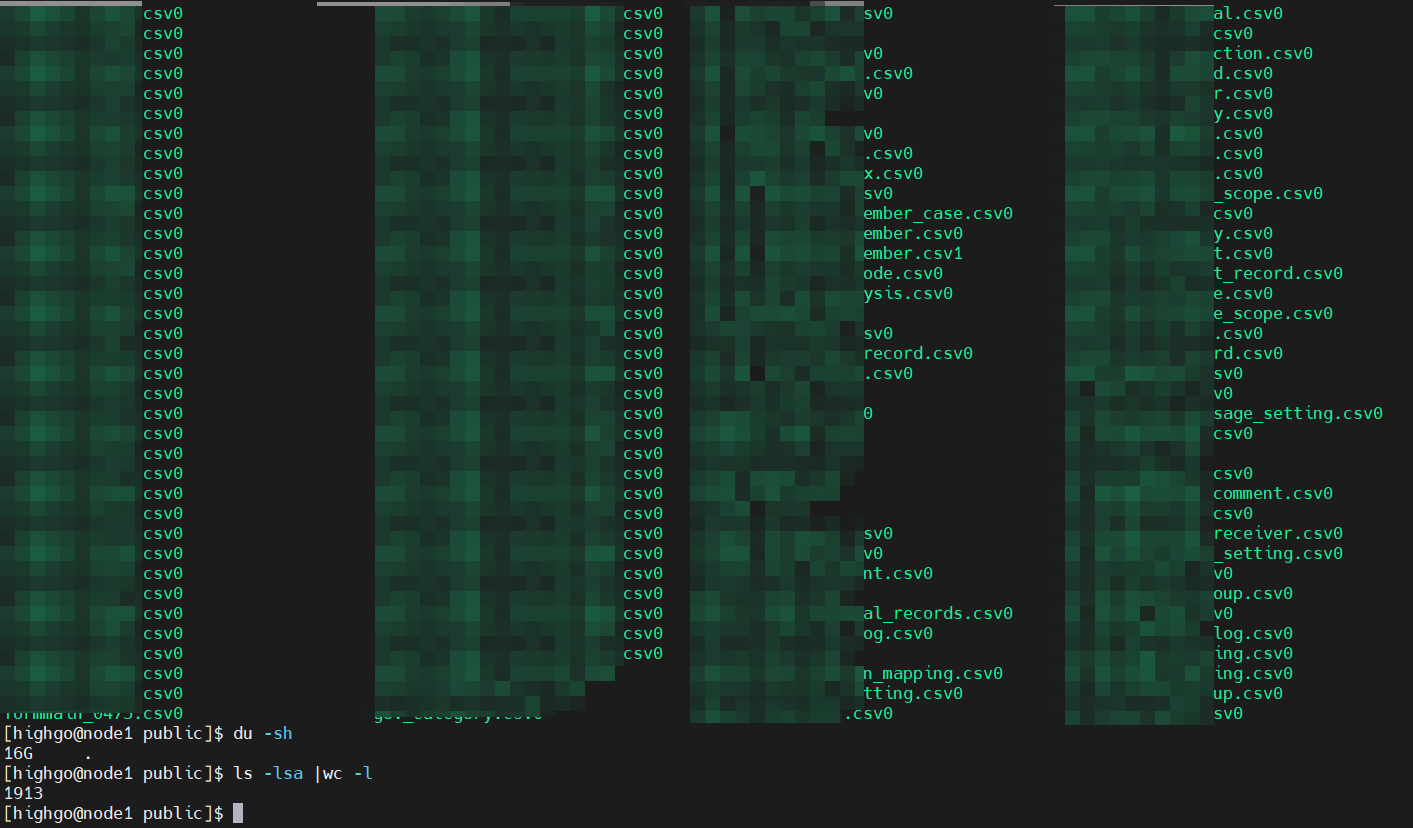
In the end, 1,913 data files contained extractable data, totaling 16GB, which came out to 12GB after importing into the database.
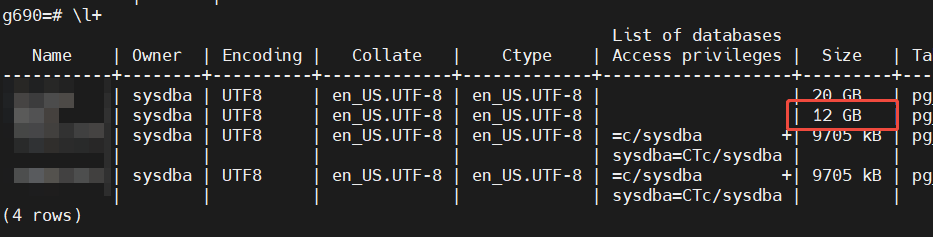
Mission accomplished!
Summary
This recovery was clean and efficient. Adaptation took two hours, and thanks to my laptop's aging disk, data export took one hour and import took another hour. Four hours total from start to finish.
The only regret is that although the data types were simple, since this was a domestic proprietary database, I couldn't use the open-source version of PDU for this operation. Next time, I'll definitely showcase a real-world recovery using the open-source PDU.
All PDU operation guides can now be found on our official website pduzc.com. Join the open-source PDU community - the next PostgreSQL recovery expert could be you!
Continue with PDU
The article explains the problem; the PDU homepage presents the tool, workflow, and real recovery scenarios.